
Is Your SharePoint Helping Your Organisation, or Quietly Holding It Back?
TLDR
SharePoint should help your organisation work smarter, not create more complexity. With the right governance, permissions and structure in place, it becomes a secure, reliable foundation for collaboration, compliance, automation and AI.
Most SharePoint environments grow organically rather than strategically. Here is how governance, permissions and structure turn one into a foundation you can rely on.
For many small and medium sized organisations, SharePoint starts with good intentions.
It becomes the place where documents are stored, teams collaborate, and information is shared. Over time, however, many SharePoint environments grow organically rather than strategically. New folders appear, permissions become increasingly complex, documents are duplicated, and nobody is completely certain whether the information people rely on is accurate, secure or up to date.
The result is a platform that still works, but not as effectively as it could.
At IT Champion, our SharePoint experts regularly work with organisations that feel their SharePoint environment has become difficult to manage. Often, the challenge is not the technology itself. It is a lack of clear governance, ownership and structure. These are common challenges that affect organisations across manufacturing, professional services and not-for-profit sectors.
The good news is that these SharePoint challenges can usually be addressed without starting again.
What Is SharePoint Governance?
Many organisations use SharePoint every day. Documents are stored there. Teams collaborate there. Business information is created, shared and accessed there.
Yet surprisingly few organisations actively manage how SharePoint grows over time. This is where SharePoint governance becomes important.
SharePoint governance is the combination of policies, permissions, ownership, retention rules and processes that help keep information secure, organised and compliant. Without it, even a well-intentioned SharePoint environment can become difficult to manage. The importance of governance, permissions, retention and information management is a recurring theme throughout our SharePoint guidance.
At IT Champion, our SharePoint experts regularly work with organisations that feel their SharePoint environment has become difficult to control. In most cases, the problem is not SharePoint itself. It is a lack of clear structure, ownership and governance.
Quick SharePoint Health Check
If you answered “no” to more than two of these questions, there may be opportunities to improve governance, reduce risk and prepare your SharePoint environment for future automation and AI initiatives. AI can only work effectively with the content, structure and permissions that already exist.
SharePoint Often Looks Fine Until You Need to Rely on It
Most organisations only start to question their SharePoint environment when they need it to do more than store files.
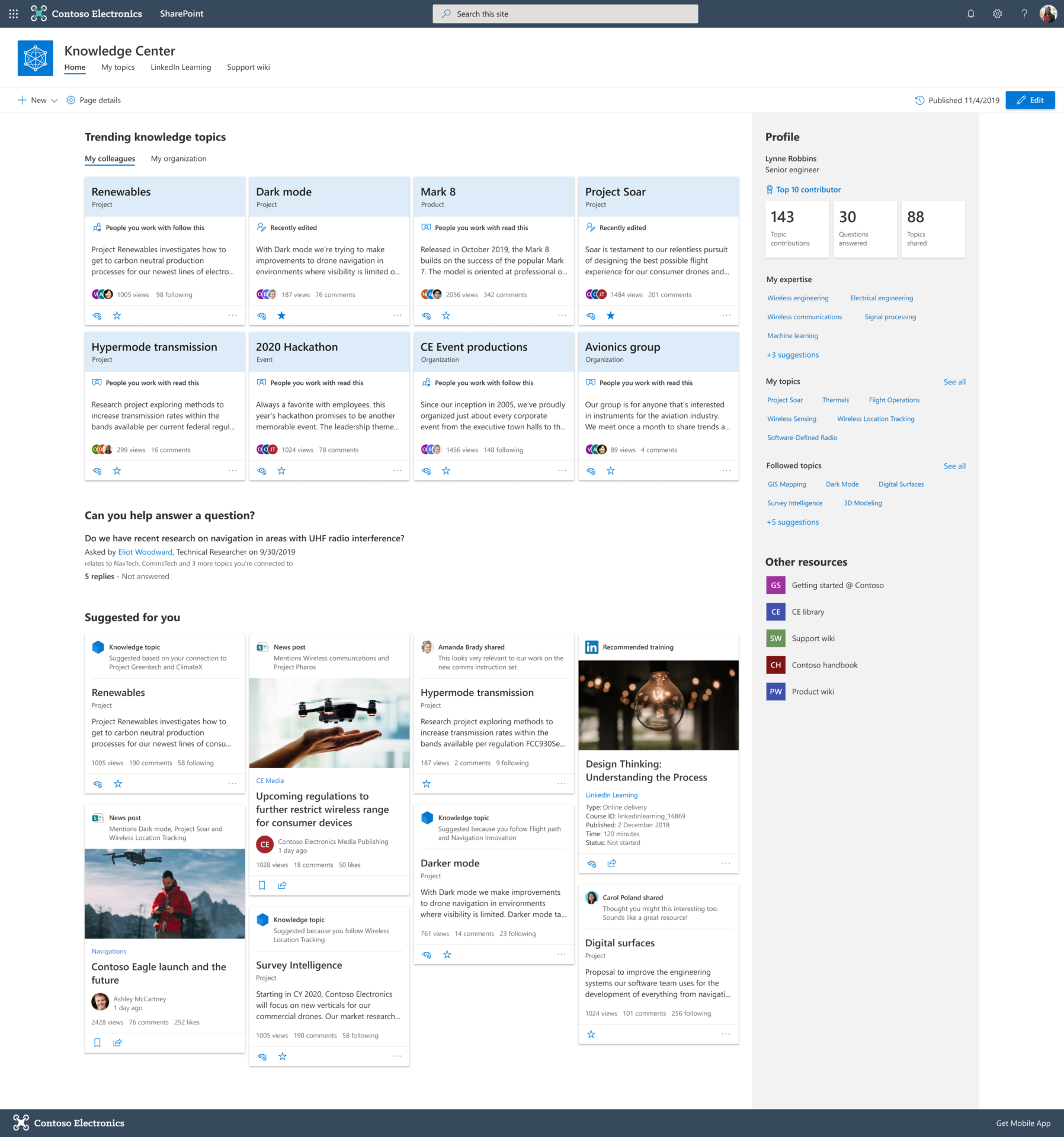
That might be:
At that point, weaknesses begin to appear.
Files are stored in multiple locations. SharePoint Permissions have evolved without proper review. Policies exist on paper but are not reflected in day-to-day SharePoint use. Information is retained indefinitely because nobody is certain what can safely be deleted. These are common business challenges rather than purely technical problems.
A well-managed SharePoint environment should give organisations confidence that the information they hold is secure, trustworthy and easy to manage.
Why Keeping Everything Creates More Risk
Many organisations take a cautious approach to information management.
Documents are kept “just in case”. Old project folders are left untouched. Duplicate files remain because nobody wants to remove something important.
The intention is understandable. The outcome is often the opposite.
Keeping information longer than necessary can increase compliance risk, make audits more difficult and create uncertainty about which information should be trusted. Poor ownership and unclear retention processes often make these problems worse. Data retention and SahrePoint governance should be deliberate decisions rather than by-products of inaction.
A good SharePoint strategy is not about deleting everything. It is about understanding what information should be kept, how long it should be retained and who is responsible for it.
Turning Policies into Practical Controls
Your organisation may already have sensible data protection and information governance policies. A challenge could be making them work consistently.
For example:
Modern SharePoint environments can support retention policies, retention labels, sensitivity labels and data loss prevention controls to help organisations protect information and manage its lifecycle more effectively. These controls help organisations manage information more deliberately rather than relying on manual processes.
Used together, these controls help organisations manage information deliberately rather than relying on manual processes, reducing risk while improving SharePoint governance.
Permissions Should Create Confidence, Not Confusion
Permissions are one of the most common sources of concern in SharePoint.
A platform that has evolved over several years can develop layers of access permissions that are difficult to understand and almost impossible to audit.
Users are often unsure who can access what information, while managers worry about oversharing or accidental exposure of sensitive data.
Well-designed SahrePoint Permissions model should support collaboration without creating unnecessary risk.
Clear ownership, structured access controls and regular reviews can significantly reduce the likelihood of information being shared more widely than intended. Permission clarity and controlled access are particularly important for organisations handling sensitive client, employee or member data.
The goal should be simple: people can access the information they need, and only the information they need.

AI Will Highlight Existing Problems, Not Fix Them
There is currently significant interest in AI tools across Microsoft 365.
Many organisations are exploring Microsoft Copilot and other AI technologies to improve productivity and help staff access information more efficiently.
AI can only work with the content, structure and permissions that already exist.
If your SharePoint environment contains outdated information, duplicate content or poor permissions, AI will surface those issues rather than solve them. Content quality, permissions, information architecture and governance all influence the accuracy and usefulness of AI-generated responses.
Our SharePoint experts often advise organisations to focus on the fundamentals first:
These foundations support better outcomes today while preparing organisations for future AI adoption.
Structure Matters More Than Most Organisations Realise
One of the biggest barriers to getting value from SharePoint is poor information architecture.
Overreliance on folders, inconsistent naming conventions and duplicated content can make finding information unnecessarily difficult. It can also affect reporting, automation and future technology initiatives.
Our SharePoint Lead Consultant regularly finds that organisations achieve significant improvements simply by reviewing how information is organised.
Metadata, sensible site structures and clear ownership models can make content more discoverable, easier to manage and more useful across Microsoft 365. Good information architecture creates faster access to information and makes data genuinely usable rather than simply stored.
The difference is often felt immediately by users who spend less time searching and more time working.
SharePoint Should Evolve With Your Organisation
SharePoint is not a platform that should be configured once and forgotten.
Your organisation changes. Teams grow. Processes evolve. New compliance requirements emerge. Microsoft continues to introduce new capabilities across Microsoft 365.
A SharePoint environment that worked perfectly several years ago may no longer support the way your organisation operates today.
Regular reviews can help identify opportunities to improve SharePoint governance, modernise processes, optimise document management, reduce risk and improve user experience. Areas such as workspace redesign, automation, permissions reviews, information architecture and governance frequently deliver the most immediate value.
How We Can Help
A well-managed SharePoint environment should give your organisation confidence.
Confidence that information is organised correctly. Confidence that sensitive information is protected. Confidence that staff can find what they need. And confidence that future investments in automation and AI are being built on solid foundations.
Our SharePoint experts help organisations review, improve and optimise their Microsoft 365 environments through practical advice and real-world experience.
Whether you need support with governance, permissions, document management, information architecture, automation or AI readiness, we focus on helping you get more value from the technology you already have while reducing risk and complexity.
Get in touch with our team to arrange a conversation and discover how your SharePoint environment could deliver more value with less risk.
Technology should make work easier. SharePoint is no exception.
About the Author
Caroline Ellis is Head of Marketing at IT Champion, where she leads content strategy, brand communications and digital marketing across the UK SME and charity sector.
With a strong background in Microsoft technologies, cyber security and managed IT services, Caroline specialises in translating complex technical topics into clear, practical insights that help organisations make informed decisions and understand how technology can work better for their people and their business.