Book your place on a M365 Spotlight session

Friendly online sessions that introduce you to Microsoft365 apps that can transform your workday.
February

Wednesday 12, 2025 at 3.00 pm

Think, Create, and Collaborate in Real-Time

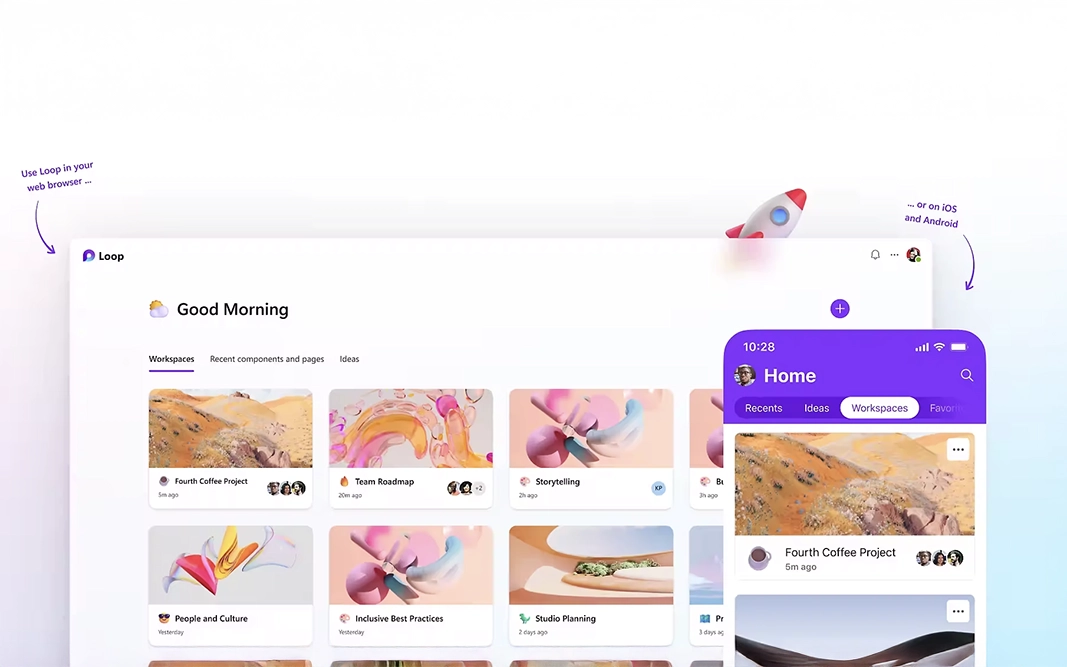
Discover how Microsoft Loop’s dynamic components can help teams collaborate more fluidly, keeping your ideas and content synchronised across your Microsoft 365 apps.
Watch the session back, simply click this link

  • What are Loop components, pages, and workspaces?
  • How to use Loop in Outlook and Teams for real-time collaboration.
  • Examples of collaborative use cases in meetings and projects.
  • Best practices for seamless team workflows.

March

Wednesday 12, 2025 at 3.00 pm

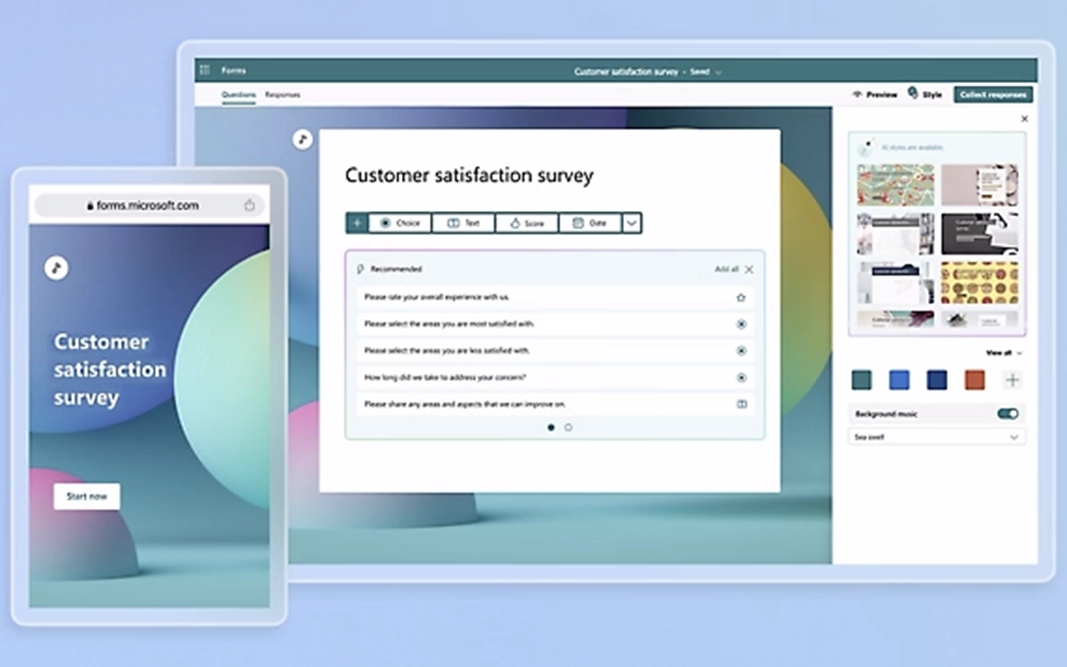
Fast Feedback and Simple Surveys

This introduction to Microsoft Forms shows you how to gather quick insights from your team or clients with easy-to-build forms, surveys, and quizzes — and make data-driven decisions effortlessly.

To watch on demand click this link

  • Creating forms, quizzes, and polls.

  • Integrating Forms with Teams, Outlook, and SharePoint.

  • Analysing responses and automating feedback

  • Tips for engaging surveys and collecting meaningful data.

April

Wednesday 9, 2025 at 3.00 pm

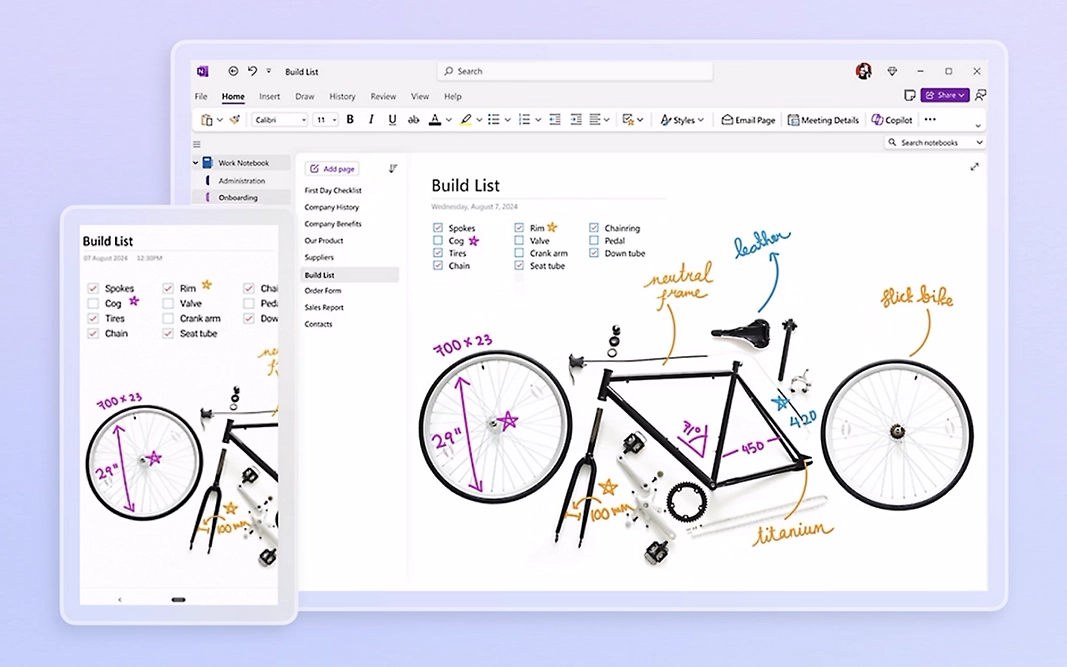
Your Digital Notebook for Organised Thinking

Take a tour of Microsoft OneNote with us and see how to keep your notes, to-do lists, and ideas perfectly organised and accessible across your devices with OneNote. This session is for users with Microsoft 365 Business Standard to Premium licenses.
To watch the session click the link

  • Structuring notebooks for work, projects, and meetings.
  • Syncing notes across devices.
  • Time-saving tips for productivity and collaboration.

May

Wednesday 14, 2025 at 3.00 pm

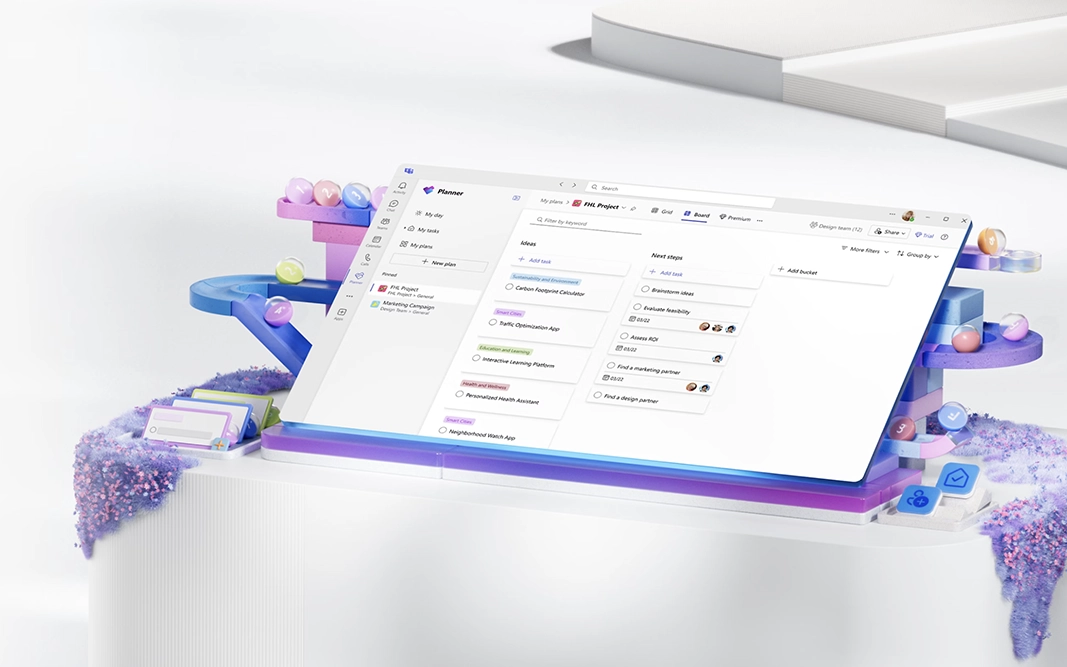
Stay on Top of Tasks and Projects

Discover how Microsoft Planner can help visualise your team’s tasks, deadlines, and progress at a glance with Planner, making project management simpler.
This session is for users with Microsoft 365 Business Standard to Premium licenses.
To watch this session, click this link

  • Creating plans and setting up boards.
  • Assigning tasks and tracking progress.
  • Tips for effective task management.

June

Wednesday 11, 2025 at 3.00 pm

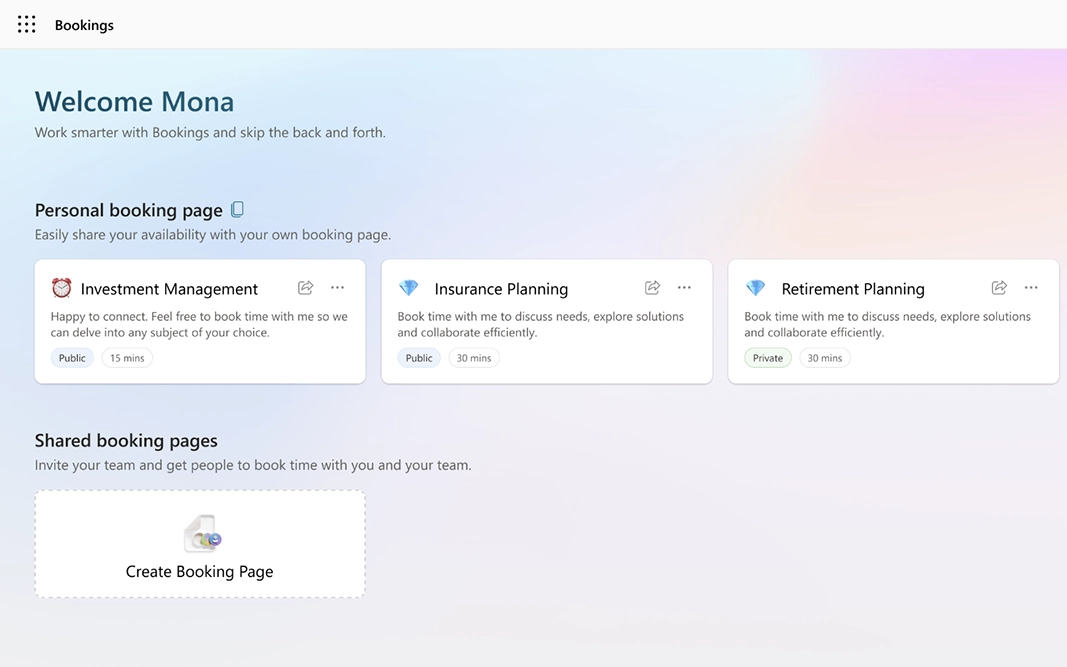
Simplifying Your Scheduling Chaos

In this spotlight session, learn how Microsoft Bookings makes appointment scheduling easy for your clients and colleagues with Microsoft Bookings — and reduce back-and-forth emails. This session is for users with Microsoft 365 Business Standard to Premium licenses.

  • Setting up a Bookings page and customising services.
  • Automating confirmations and reminders.
  • Best practices for client and internal scheduling.

July

Wednesday 9, 2025 at 3.00 pm

Share Videos and Knowledge Seamlessly

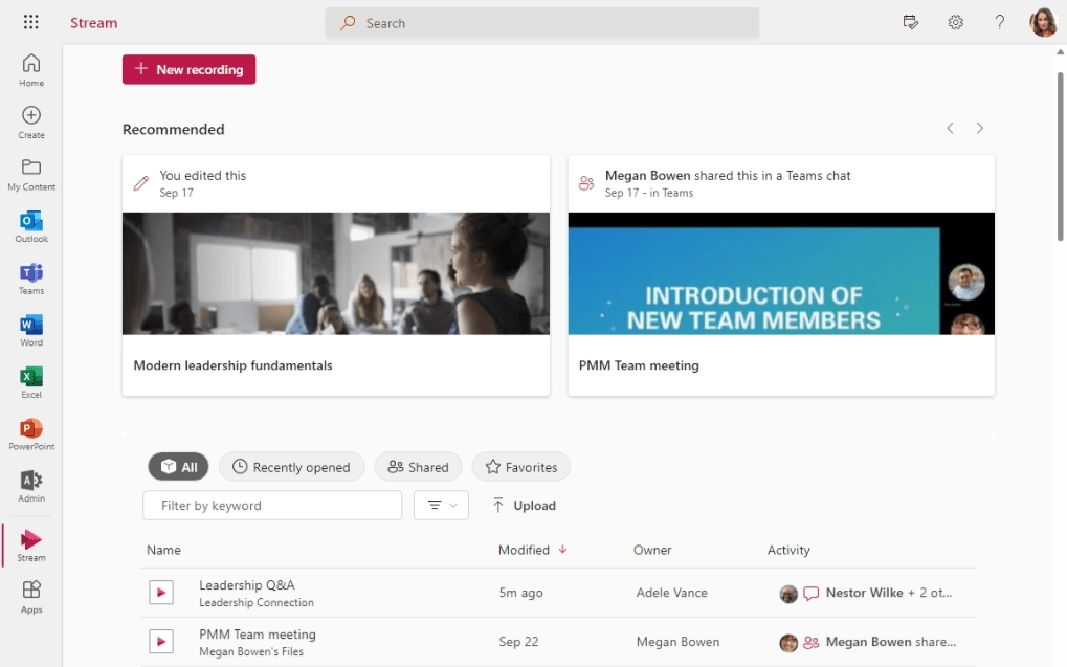
In this spotlight session, we will show how Microsoft Stream can enhance your internal communication with Microsoft Stream, making it easy to share, organise, and watch videos securely within your organisation. This session is for users with Microsoft 365 Business Standard to Premium licenses.
Watch this session back by clicking this link

  • A tour of Stream landing page

  • Uploading and sharing videos within your organisation.
  • Recording meetings.

  • Tips for maximising engagement and accessibility.

August

Wednesday 13, 2025 at 3.00 pm

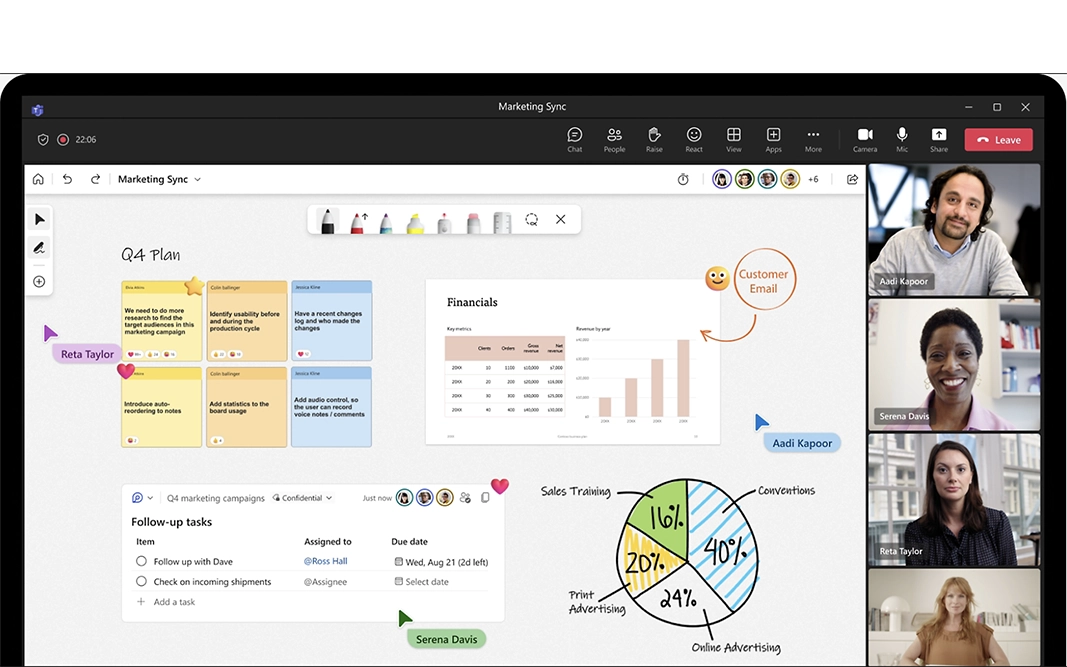
Collaborate Creatively in Real-Time

Microsoft’s Whiteboard app will help turn your ideas into action. It is a collaborative canvas perfect for brainstorming, planning, and problem-solving.
This session is for users with Microsoft 365 Business Standard to Premium licenses.

To watch this session, click this link

  • Using templates for faster setup.
  • Adding sticky notes, text, images and drawing tools for sketching ideas.

  • Organising your whiteboards with folders and naming conventions.

  • Exporting and sharing finished whiteboards with your team.

September

Wednesday 10, 2025 at 3.00 pm

Create Professional Videos with Ease

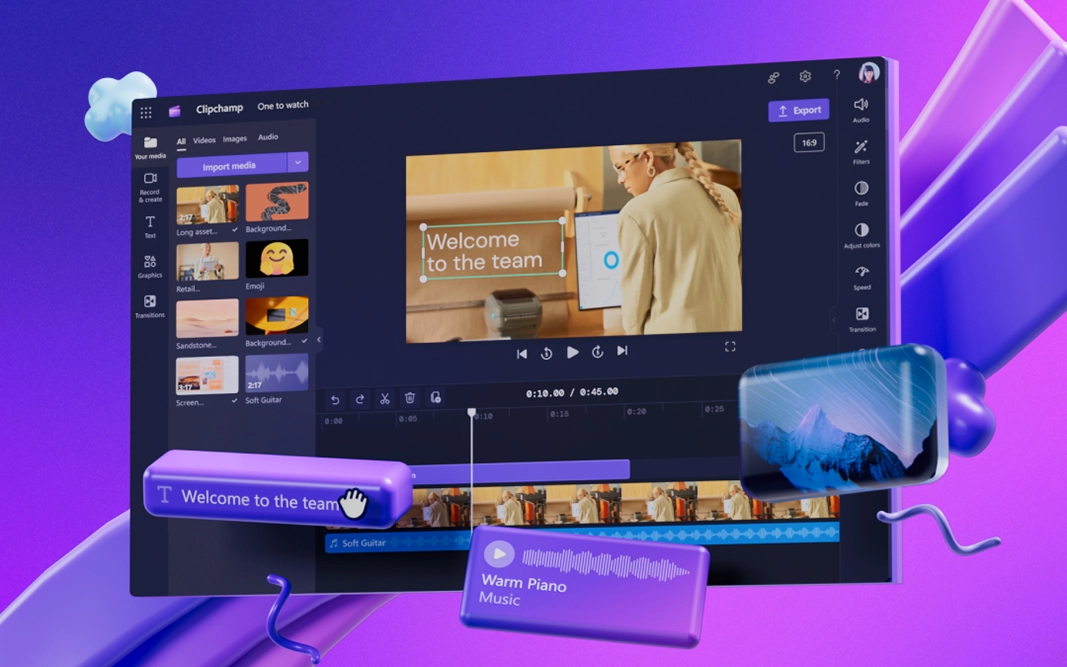
Microsoft Clipchamp makes professional video creation possible for all skill levels. Whether you’re sharing updates, creating tutorials, or promoting your business, Microsoft Clipchamp makes video editing simple, powerful, and accessible for everyone. This session is for users with Microsoft 365 Business Standard to Premium licenses.
To watch the session, click this link

  • Tour of the interface

  • Explore stock footage, audio, and templates

  • Exporting videos optimised for social media, presentations, or internal communications.

  • How storyboarding your video to save time.

  • Optimising export settings for different platforms.

October

Wednesday 8, 2025 at 3.00 pm

Your Gateway to Continuous Growth

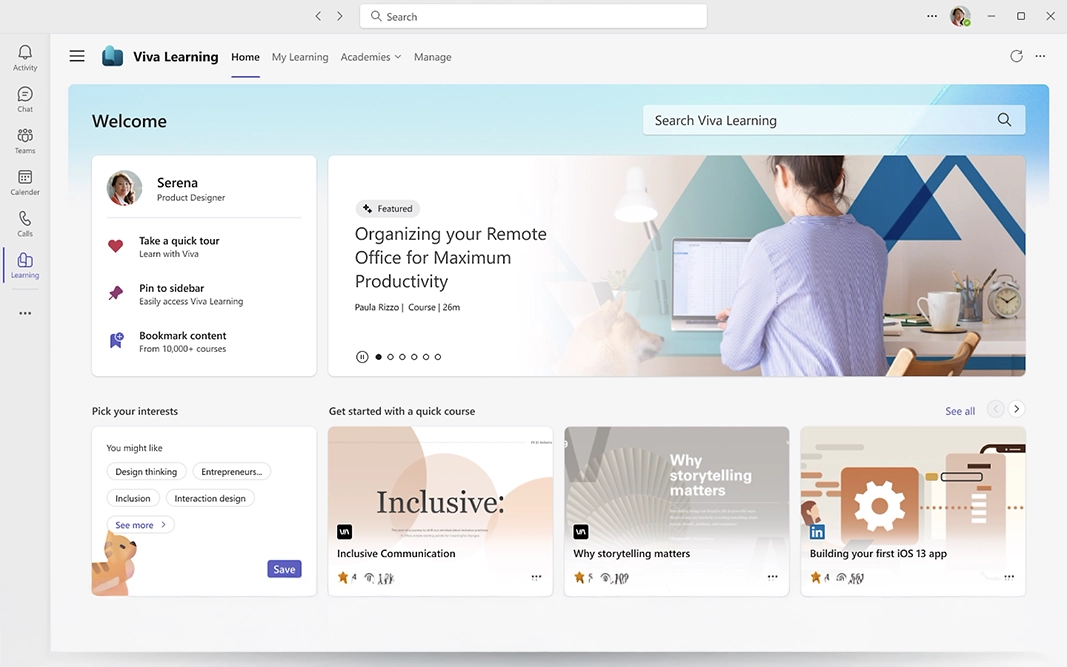
Empower yourself and your team with on-demand access to training and development resources through Microsoft Viva Learning.
This session is for users with Microsoft 365 Business Standard to Premium licenses.

To watch this session, click this link

  • Navigating Viva Learning

  • Accessing courses from LinkedIn Learning, Microsoft Learn, and other providers.

  • Searching for courses relevant to specific skills or goals.

A lady talking a phone call in an office

Service Delivery team

Learn more about our Service Delivery Team and how they help clients IT run smoothly.

Monthly sessions

Previous tips and tricks sessions

Watch recordings of our previous tips and tricks sessions on our YouTube channel.

Continual learning

Further training

We offer a wealth of training created to meet your users’ needs and skill levels.